Find the detail you need
Search saved text and browse by app, conversation and time. Catch up on unread items without digging through every alert.

 PeekKeep
Your Android notification companion
A message disappears. A notification gets dismissed. Your saved copy can still be there. PeekKeep brings the notifications you choose into one place, ready to revisit on your terms.
Free to use · Contains ads
Shows notification content captured after setup. Messages deleted before capture cannot be recovered.
Message removed
Saved in PeekKeepDinner at eight? I'll book the table.
Your chats. Your everyday apps.
Save notifications from WhatsApp, WhatsApp Business, Telegram, Messenger, Zalo and other apps you select. Email, work updates and everyday alerts belong here, too.
Available content depends on each app's notifications and your Android settings. App names identify notification sources, not partnerships.
A second chance to read it
View deleted messages from the notification copy PeekKeep already saved. Whether a sender deletes a WhatsApp message or removes a Telegram message, the captured content can remain in your PeekKeep history.
PeekKeep preserves received notification content; it does not detect deletions in another app or retrieve content from its servers.
Original conversation
Saved in PeekKeep
The captured copy is still here
Illustrative example: the notification was saved before deletion. Saved copies remain until you delete them or your retention/storage settings remove them.
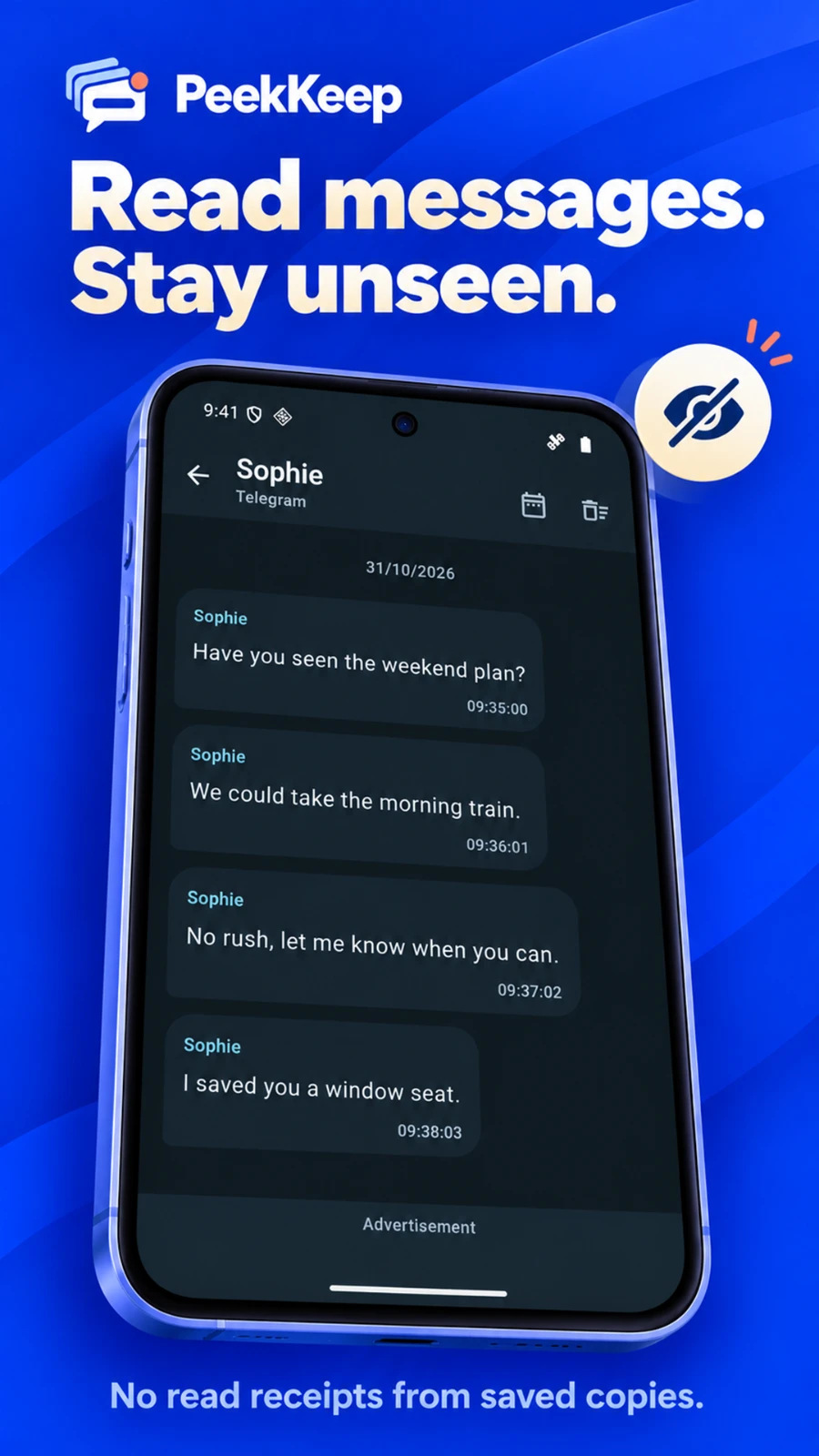
Read now. Decide when to reply.
Looking for unseen message reading? Open the saved notification in PeekKeep instead of opening WhatsApp, Messenger, Telegram or another original chat. Read the available content at your own pace.
PeekKeep does not open the original conversation when you view a saved copy. Read-receipt behavior in other apps is outside PeekKeep's control.
Keep more than words
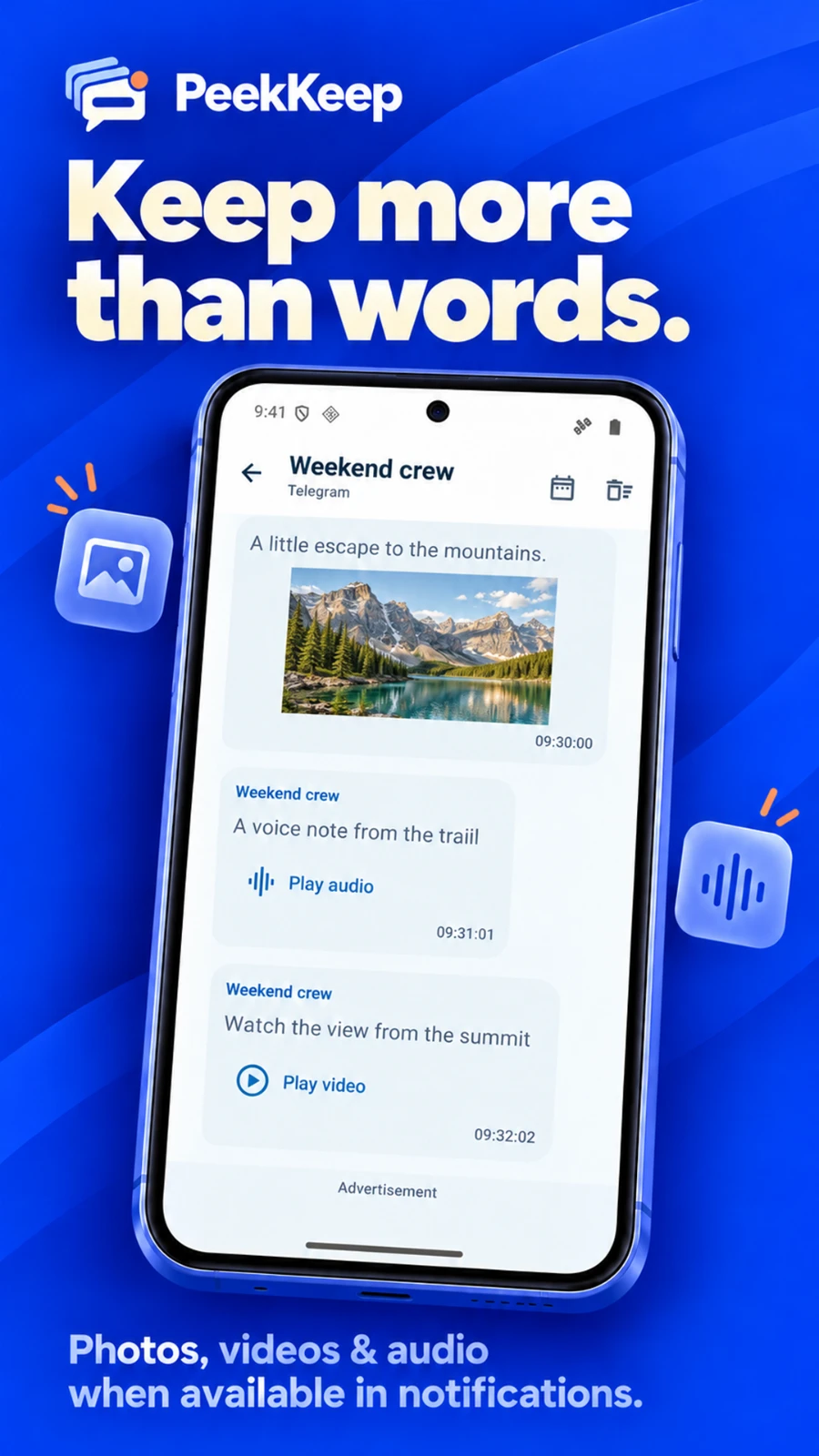
View saved photos and play available audio messages inside PeekKeep. Keep the useful details together with their conversation, then export a saved file or share it with another app.
Media is saved when a notification supplies an accessible attachment. A text label or thumbnail does not guarantee that the full photo, audio or video is available.
You choose what gets saved
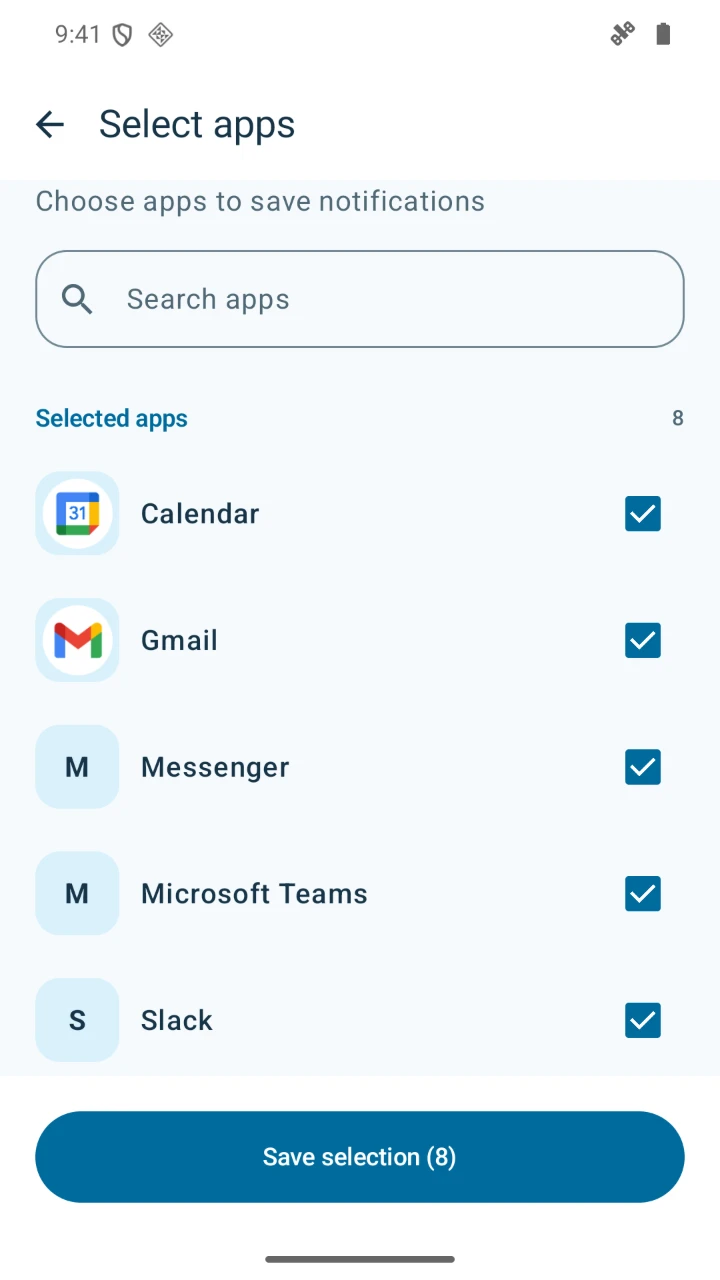
Choose the apps you want PeekKeep to monitor. Keep important chats and useful alerts together, while leaving other apps outside your saved history. Change your selection whenever your needs change.
Saving depends on Android notification access, visible notification content and background settings. PeekKeep provides status and setup guidance to help keep saving active.
Less searching. More finding.
Search saved text and browse by app, conversation and time. Catch up on unread items without digging through every alert.
Choose how long to retain your history, manage storage limits and delete saved copies you no longer need.
Export available photos, audio and video to your device, or share a saved file using another app you choose.
A closer look at PeekKeep
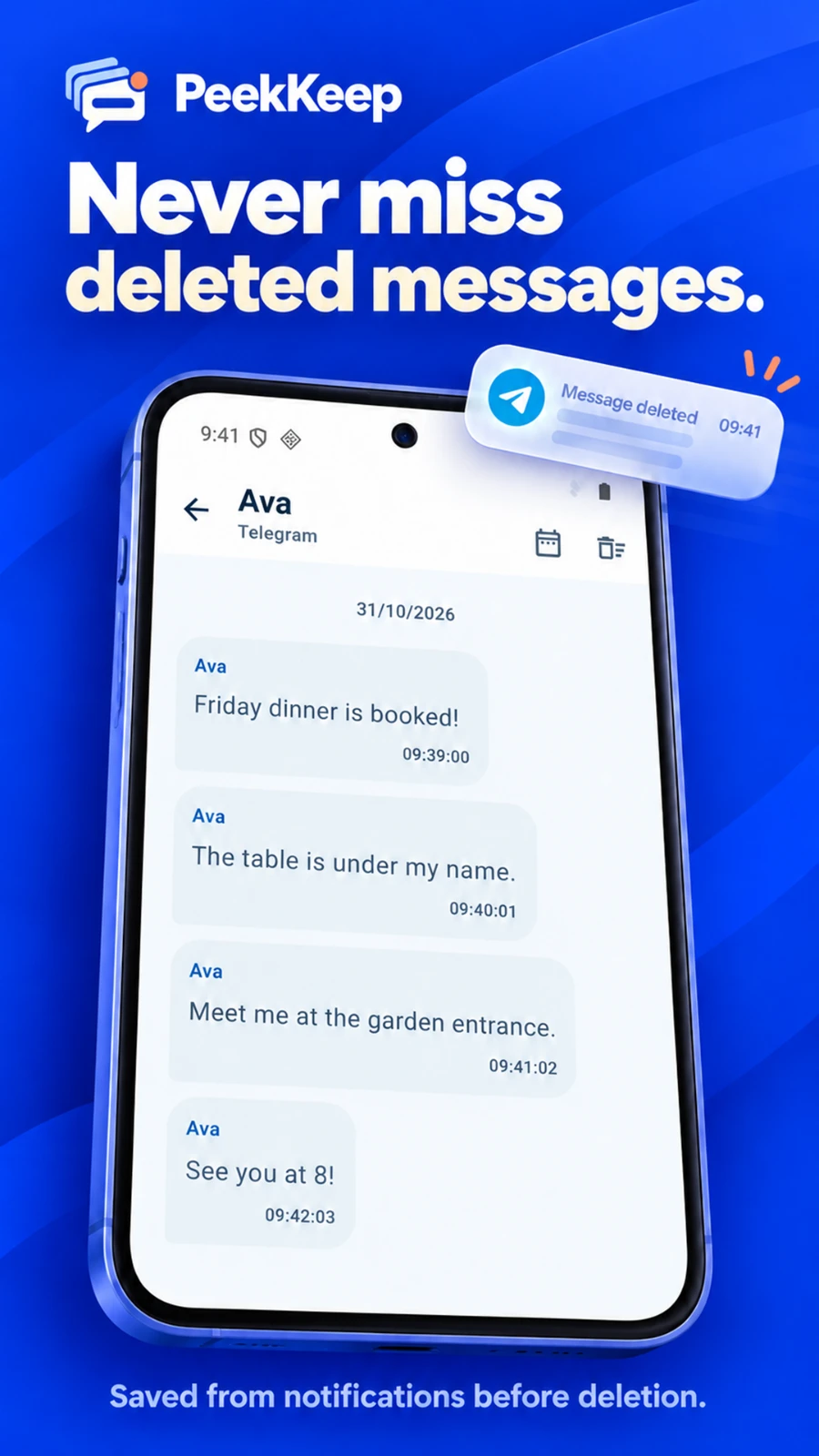
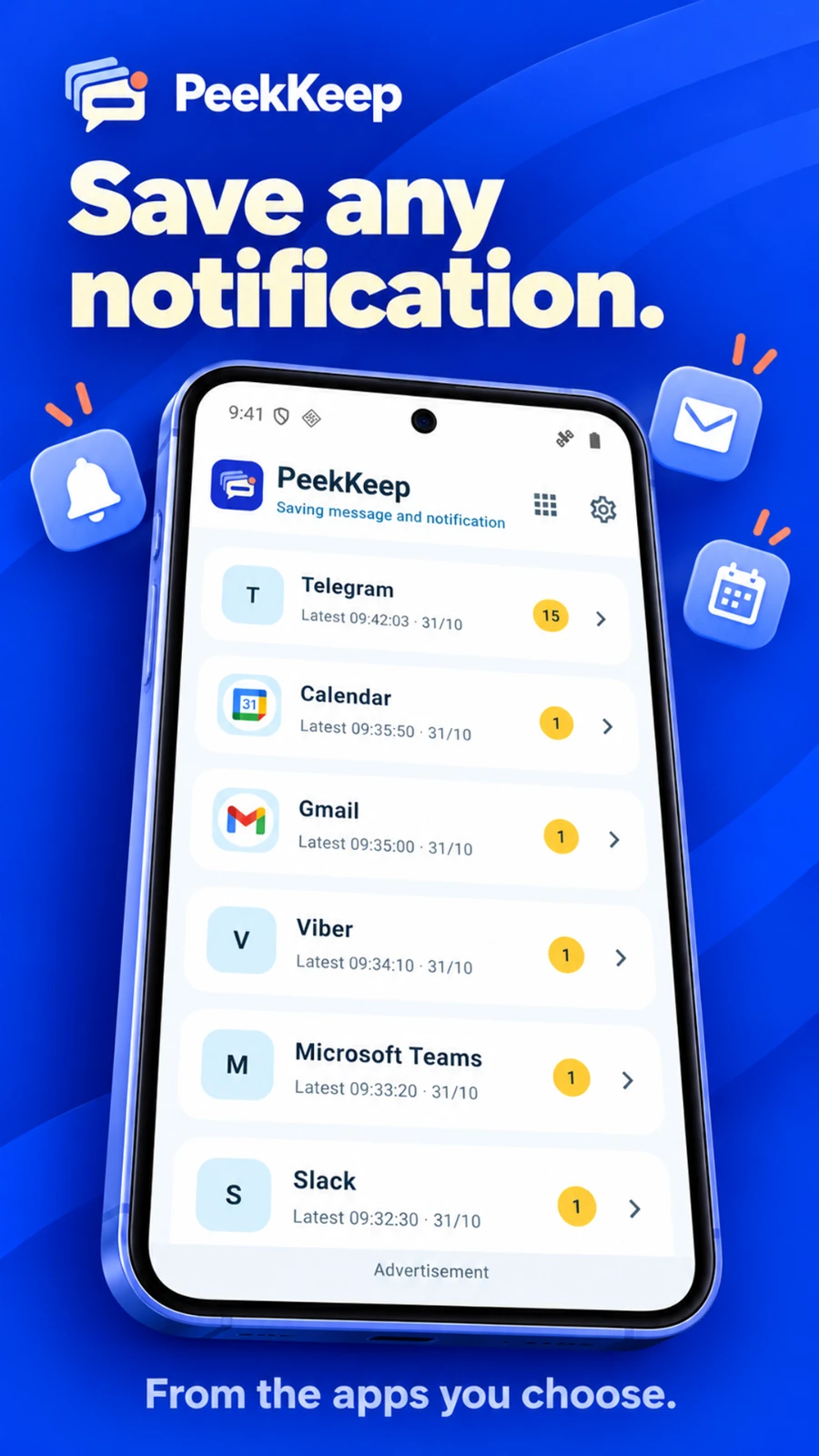
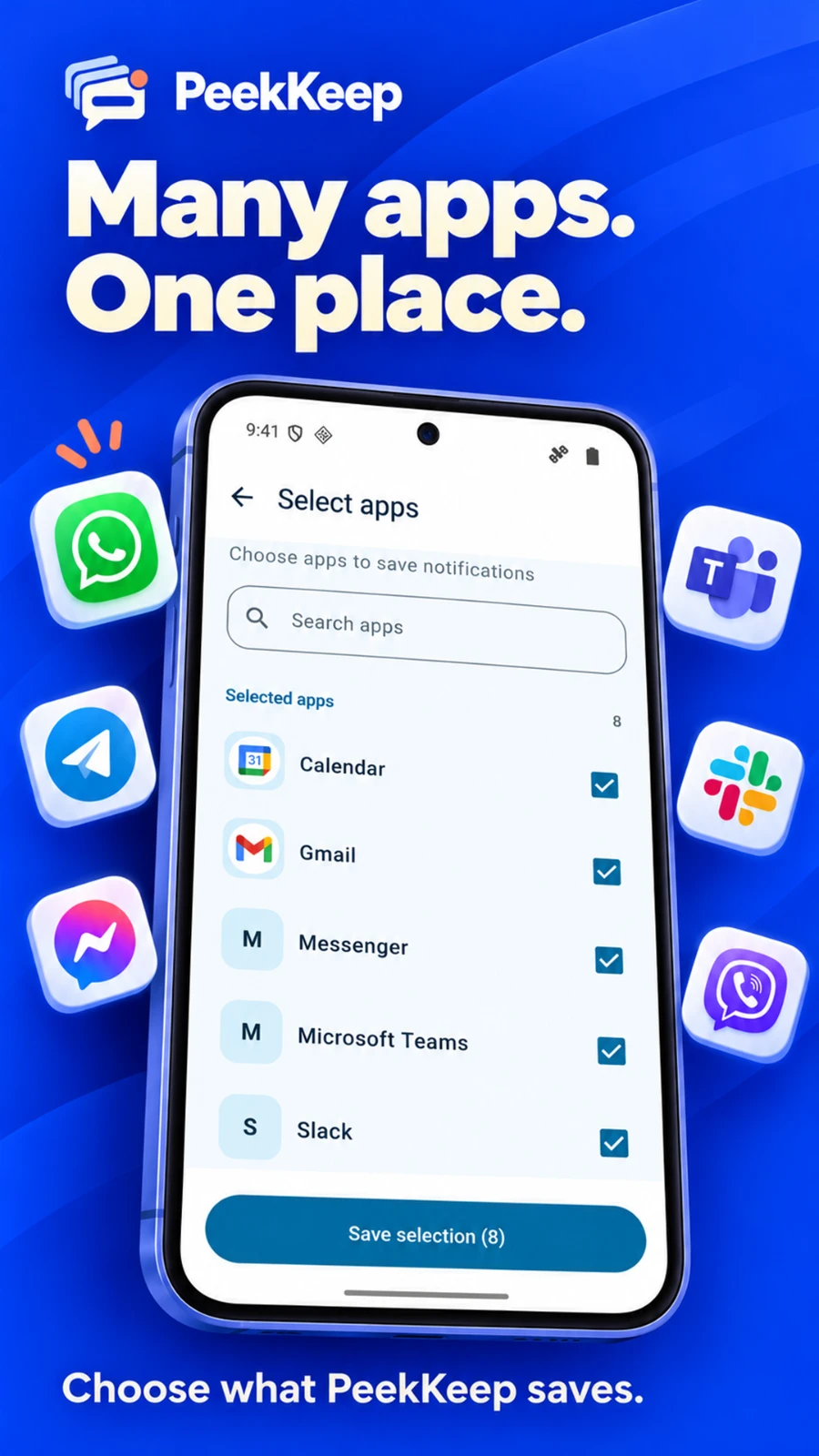
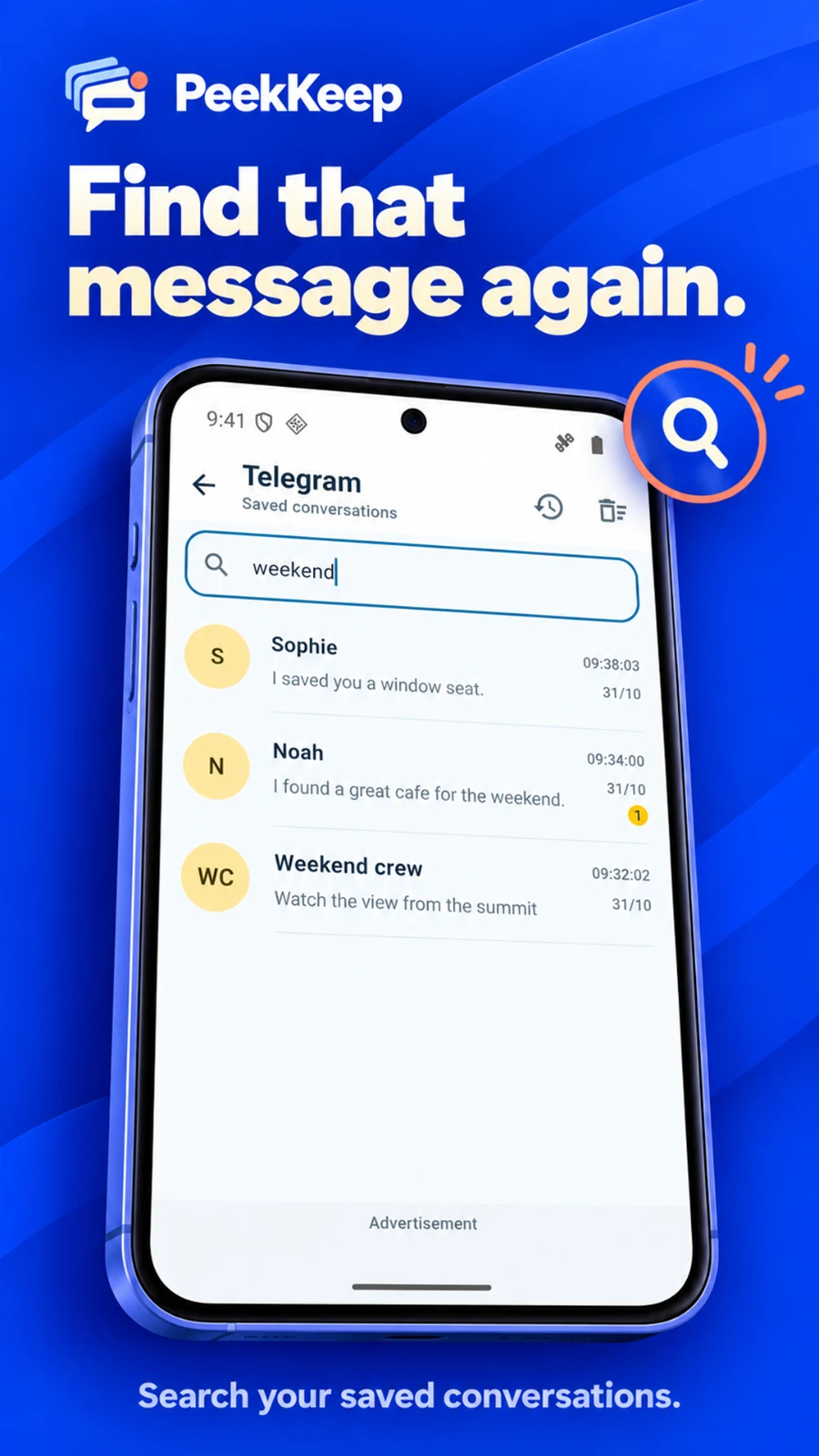
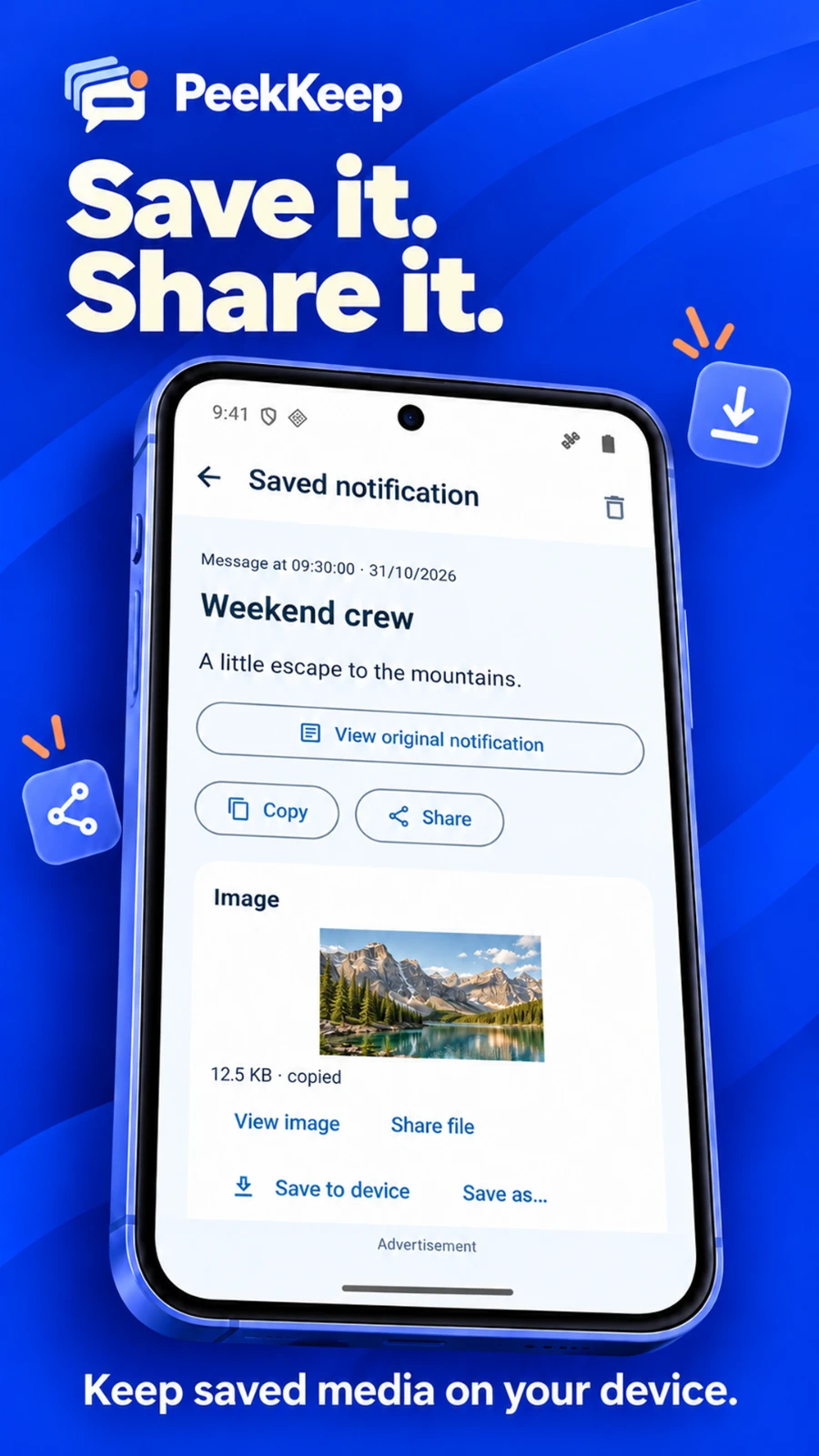
English promotional illustrations based on app screens, using fictional sample conversations. Tap an image to enlarge it.
Your history, in your hands
Saved notifications and copied media stay in PeekKeep's private app storage on your device. They are not automatically uploaded to a server. Turn on App lock to protect access with biometrics or your device PIN, pattern or password.
PeekKeep is free to use with ads. Advertising, analytics, crash reporting and optional feedback have separate data practices described in the app privacy policy.
Ready for the next notification
Review the disclosure and enable PeekKeep in Android's notification access settings.
Select the messaging and everyday apps whose notifications you want to save.
New eligible notifications are saved for you to revisit. Check the saving status and any background-setting guidance.
Set up PeekKeep and select WhatsApp before a notification arrives. If PeekKeep captures the message content, you can revisit that saved copy even after the sender deletes the original. It cannot recover older messages it never received.
PeekKeep can save notification content from Telegram, Messenger, Zalo and other selected apps. The available text and attachments depend on what each app sends in its Android notifications. Support for an app does not guarantee that every message or media file is accessible.
Viewing a saved notification in PeekKeep does not open the original chat. PeekKeep cannot guarantee another app's read-receipt behavior. Opening the original conversation or interacting with that app follows its own behavior.
It may have arrived before setup, come from an unselected app, had hidden content, or never produced a notification. Android background restrictions, permissions, retention settings and unavailable media access can also affect saving. PeekKeep cannot promise to capture every notification.
Yes. PeekKeep is free to use and contains ads. You can choose which apps to monitor, read saved notifications and use the available history and media tools.
No. Managing history in PeekKeep affects the saved copy, not the original conversation. Files you already exported outside PeekKeep must be managed separately.
See deleted messages you saved. Read at your own pace. Keep the apps that matter close.
Get it on Google PlayFree to use · Contains ads